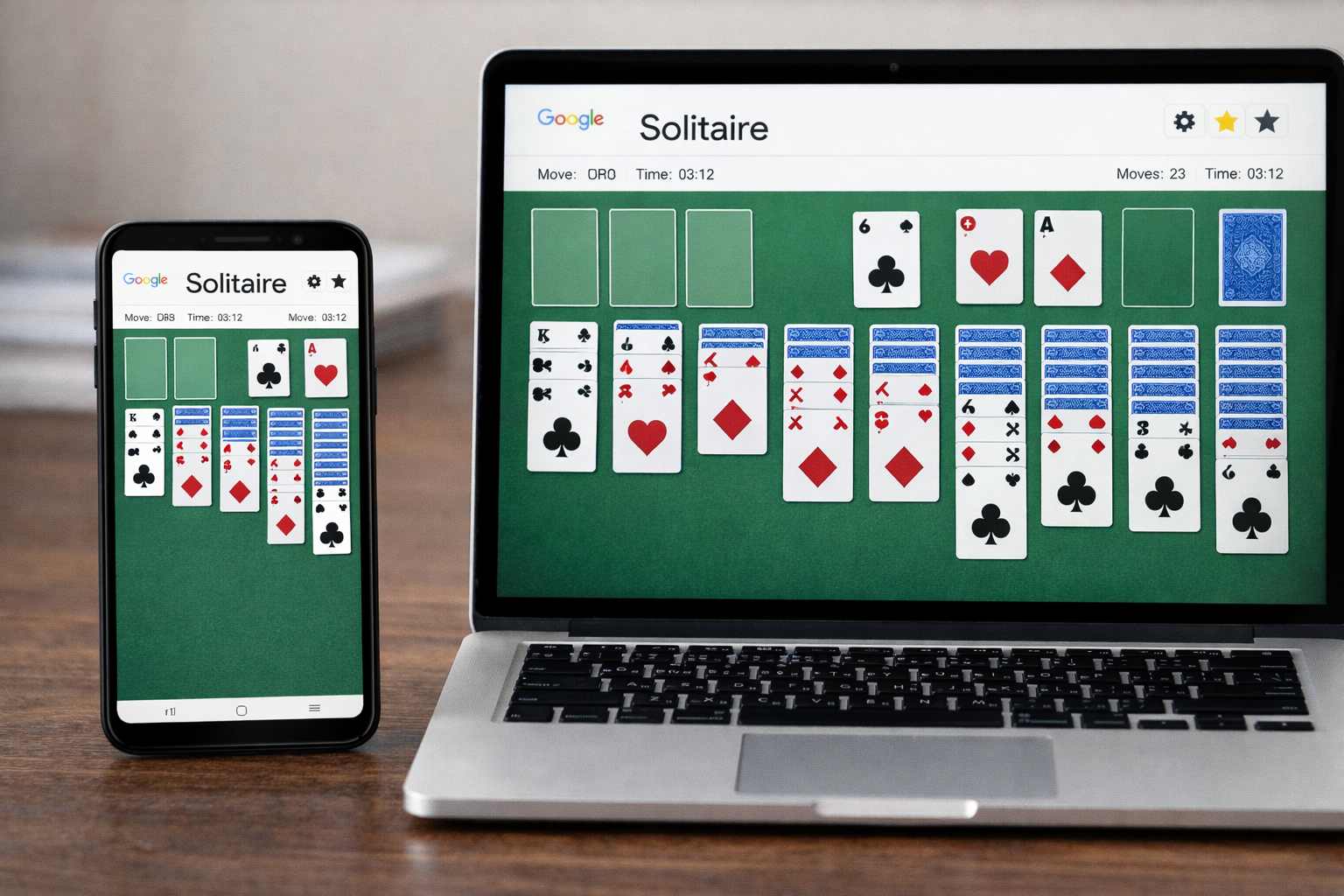
Card games never go out of style, and Google Solitaire proves that simplicity still wins. Whether you’re killing time, relaxing your mind, or sharpening your focus, Google Solitaire offers a smooth and distraction-free way to enjoy the classic Solitaire game—right from your browser. This guide covers the rules, smart tips, and proven strategies to help you win more often.
What Is Google Solitaire?
Google Solitaire is a free online version of the classic Solitaire card game available directly through Google Solitaire. You don’t need to download an app or create an account—just search the game on Google and start playing instantly.
It follows the traditional Klondike Solitaire format, making it familiar and easy for both beginners and experienced players.
Basic Rules of Google Solitaire
Before learning how to win, it’s important to understand how Google Solitaire works.
🃏 Game Setup
A standard 52-card deck is used
Cards are arranged into 7 columns
Only the top card of each column is face-up
Remaining cards go into the draw pile
🏁 Objective
The goal of Google Solitaire is to move all cards to the four foundation piles, sorted by suit from Ace to King.
📌 Movement Rules
Cards must be stacked in descending order
Colours must alternate (red on black, black on red)
Only Kings can be placed in empty columns
Aces start the foundation piles
Difficulty Levels in Google Solitaire
Google Solitaire offers two difficulty options:
Easy Mode: Draw 1 card at a time (best for beginners)
Hard Mode: Draw 3 cards at a time (more challenging)
Choosing the right mode plays a big role in your chances of winning.
Smart Tips to Win at Google Solitaire
Winning Google Solitaire isn’t just luck—it’s strategy. Here are some practical tips that actually work:
✅ 1. Reveal Hidden Cards First
Always prioritize moves that uncover face-down cards. The more visible cards you have, the more options you’ll create.
✅ 2. Don’t Rush Cards to the Foundation
Sometimes keeping cards in columns helps you build better sequences. Moving everything too quickly can block future moves.
✅ 3. Use Empty Columns Wisely
Empty columns are powerful. Save them for Kings or long sequences that can free up multiple cards.
✅ 4. Alternate Colours Carefully
Always think one step ahead before stacking cards. Poor colour placement can trap important cards.
✅ 5. Use Undo Strategically
Google Solitaire allows undo moves. Use it to test strategies and correct mistakes without penalty.
Common Mistakes to Avoid in Google Solitaire
Many players lose not because the game is impossible, but because of simple mistakes:
Moving cards without planning ahead
Ignoring face-down cards
Filling empty columns too quickly
Playing only for speed instead of strategy
Avoiding these errors can instantly improve your win rate in Google Solitaire.
Why Google Solitaire Is So Popular
Google Solitaire stands out because it’s:
Free to play
Fast-loading and lightweight
Ad-free and distraction-free
Accessible on mobile and desktop
It’s perfect for quick mental breaks, especially for students and office workers.
Can You Always Win Google Solitaire?
Not every Google Solitaire game is winnable, especially in hard mode. However, with the right strategy and patience, most games can be solved. Skilled players significantly increase their winning chances by thinking ahead and minimizing unnecessary moves.
Final Thoughts
Google Solitaire is more than just a simple card game—it’s a test of patience, planning, and smart decision-making. By understanding the rules, avoiding common mistakes, and applying proven tips, you can turn more games into wins.