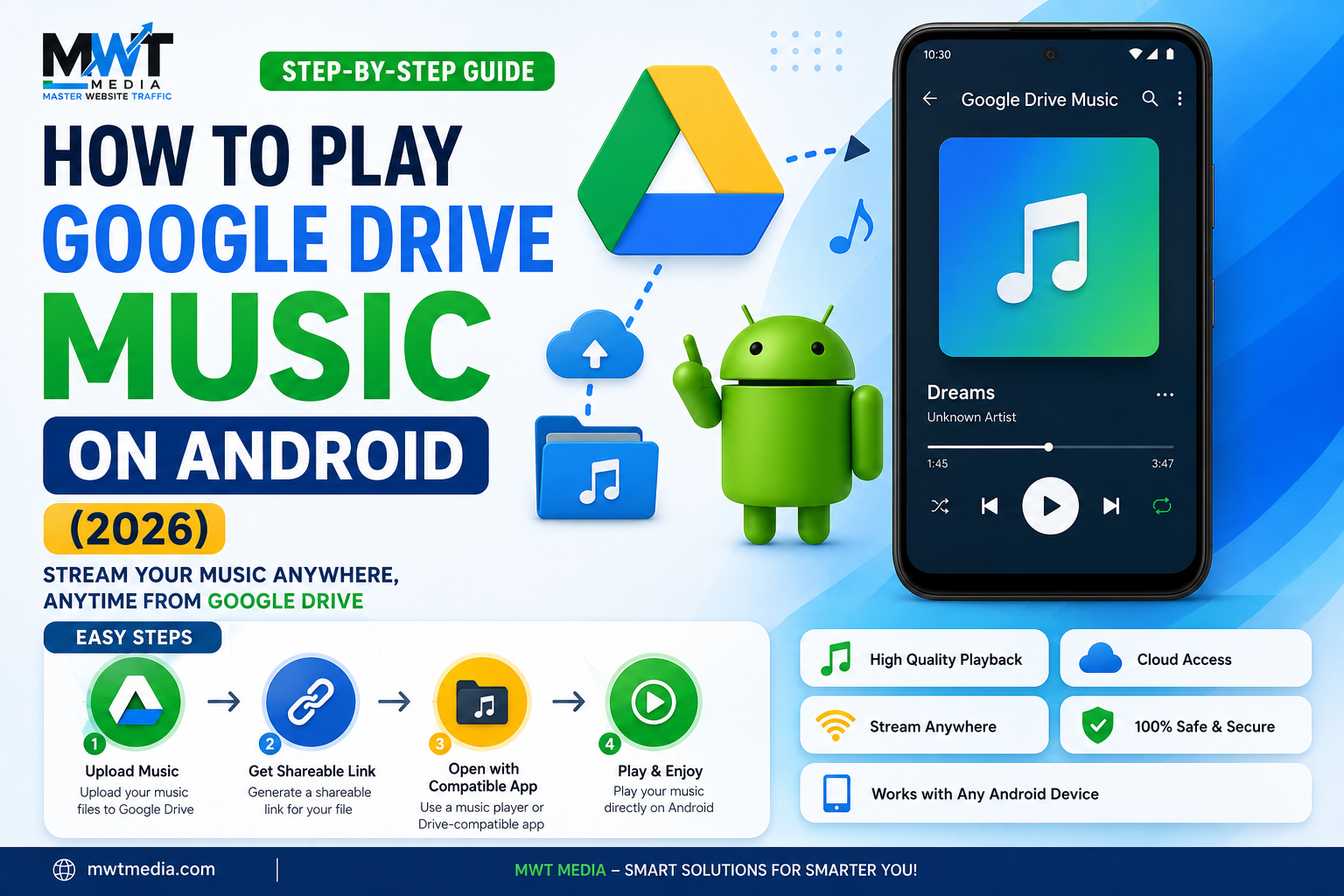
Storing your music library in Google Drive is a great way to free up phone storage and keep your songs backed up in the cloud. But Google Drive itself isn’t built as a music player — it’s a file storage app first, so getting smooth, reliable playback (especially offline or with playlists) takes a little more than just tapping a song. Here’s every method that actually works in 2026, from the simplest built-in option to dedicated music apps.
Method 1: Play Directly From the Google Drive App
This is the fastest option if you just want to play a track or two without installing anything extra.
- Open the Google Drive app on your Android device (install it from the Play Store if you don’t already have it).
- Sign in with the Google account where your music files are stored.
- Navigate to the folder containing your audio files.
- Tap the song you want to play.
Drive supports common formats like MP3, WAV, and M4A, and will either play the file using its built-in preview player or prompt you to open it with another app installed on your device. This works fine for casual, one-off listening, but it has real limitations: no playlist queueing, no background playback in some cases, and no offline listening unless you manually mark files available offline.
Method 2: Use VLC for Android
VLC is free, has no ads, and can connect directly to your Google Drive account for smoother playback than the native Drive app offers.
- Install VLC from the Play Store.
- Open the app and tap Browse (or the network icon, depending on your VLC version).
- Add a new network stream and select Google Drive, then sign in and authorize access.
- Browse to your music folder and tap a track to start playing.
VLC supports a wide range of audio formats, plays files in the background, and lets you queue up multiple tracks in a folder — a real step up from Drive’s own preview player.
Method 3: Use a Dedicated Cloud Music Player App
If you listen to music from Google Drive regularly, a purpose-built cloud music app will give you the closest experience to a normal streaming app — playlists, offline caching, shuffle, equalizer, and more. A few reliable options in 2026:
| App | Best For | Notes |
|---|---|---|
| Astiga | Lossless audio, playlist syncing | Subscription-based after a free trial; supports FLAC, ALAC, and other high-quality formats |
| nPlayer | One-time purchase, plays audio and video | Strong format support; casting to other devices supported |
| CloudBeats | Free basic use | Core features free, with lossless and extra features behind a premium tier |
The general setup process is the same across these apps: install, sign in and authorize your Google account, let the app scan your Drive folders, and it’ll build a browsable music library — often with proper album art, artist tagging, and playlist support that Drive itself can’t offer.
Method 4: Download Songs for Offline Listening
If you want to guarantee playback without relying on a data connection, download files directly to your phone:
- Open the file in Google Drive.
- Tap the three-dot menu next to the file.
- Select Download.
- Once downloaded, open the file using your phone’s default music player, or any app installed on your device (like VLC).
This uses local storage, so it’s best for a curated set of favorites rather than your entire library — but it’s the most reliable option when you know you’ll be somewhere without a signal.
Which Method Should You Use?
- Just need to play a quick song? Use the Google Drive app directly.
- Want smoother playback with no extra cost? VLC is the best free option.
- Listen to Drive-stored music regularly and want a real music-app experience? A dedicated app like Astiga, nPlayer, or CloudBeats is worth the small cost.
- Heading somewhere without signal? Download your favorite tracks ahead of time.
Google Drive was never designed to be a music streaming service, but with the right app paired alongside it, it works as a surprisingly solid — and free — cloud music library for Android.