
Learning English vocabulary can often feel overwhelming, especially when trying to remember hundreds of new words. Luckily, Google has made it simple with Google Word Coach—a fun and interactive way to boost your vocabulary skills. Whether you are a student, professional, or language enthusiast, this tool makes learning new words easier than ever.
What Is Google Word Coach?
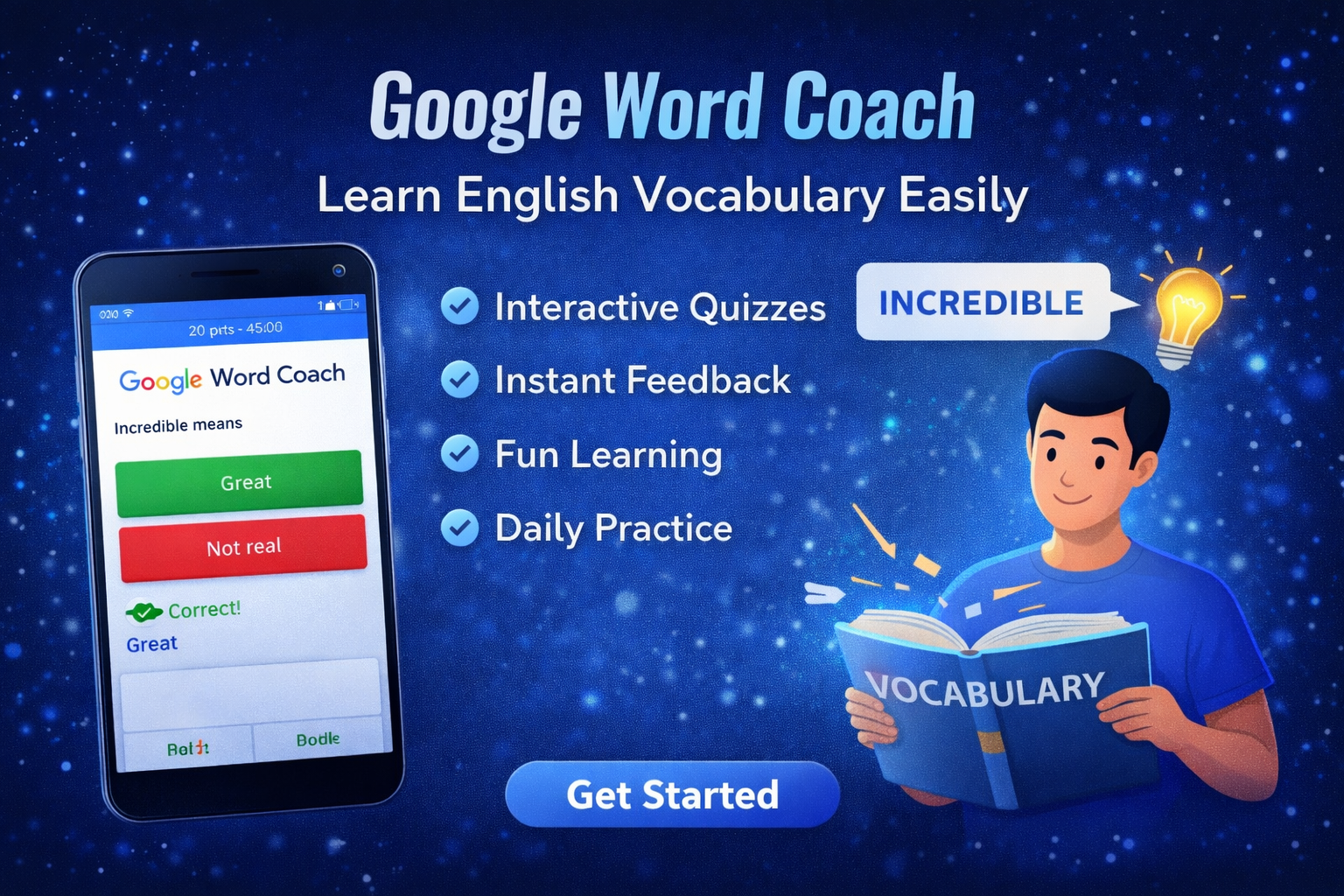
Google Word Coach is an interactive vocabulary game integrated into Google Search and the Google app. It helps users improve their English by providing multiple-choice quizzes with instant feedback. Every correct answer gives you points, making the learning process both effective and engaging.
Key features include:
-
Short quizzes for quick learning sessions
-
Immediate feedback on answers
-
Simple, beginner-friendly interface
-
Integration with Google search for easy access
This makes Google Word Coach ideal for anyone looking to improve their vocabulary in a structured, fun way.
How to Access Google Word Coach
Getting started is simple. You don’t need to download anything if you have the Google app or access Google Search.
Steps:
-
Open Google Search on your mobile device or the Google app.
-
Type “Google Word Coach” in the search bar.
-
Tap the Word Coach card that appears.
-
Start answering vocabulary questions to earn points and improve your knowledge.
It’s designed to be quick and accessible, making Google Word Coach a great tool for learning on the go.
How Google Word Coach Works
Google Word Coach teaches vocabulary through interactive multiple-choice questions. Each question presents a word along with possible meanings or uses.
How It Helps You Learn:
-
Repetition: Words are repeated in different contexts to improve memory.
-
Immediate Feedback: Correct or incorrect answers help reinforce learning.
-
Progress Tracking: Points and levels encourage users to continue learning.
-
Bite-Sized Learning: Each session is short, perfect for daily practice.
With these features, Google Word Coach turns vocabulary learning into a game rather than a chore.
Tips to Maximize Learning With Google Word Coach
To get the most out of Google Word Coach, follow these tips:
-
Play daily for at least 5–10 minutes.
-
Note down new words and their meanings.
-
Try to use new words in sentences immediately.
-
Review words periodically to retain them.
-
Combine with other language learning tools for comprehensive practice.
These strategies help you not just learn words, but actually remember and use them effectively.
Why Google Word Coach Is Effective
Unlike traditional learning methods, Google Word Coach is interactive, motivating, and tailored for modern users. Its key advantages include:
-
Learning anytime, anywhere
-
Short, engaging sessions to prevent fatigue
-
Immediate correction and reinforcement
-
Tracks progress and encourages continuous improvement
For anyone struggling to memorize English vocabulary, Google Word Coach provides an easy, effective solution.
Conclusion
If you want to improve your English vocabulary without spending hours on textbooks or apps, Google Word Coach is a perfect tool. Its interactive quizzes, instant feedback, and user-friendly design make learning both easy and fun. Start using Google Word Coach today and see how quickly your English vocabulary improves!