
In the Android ecosystem, digital purchases have become a normal part of everyday life. From mobile games and premium apps to movies and subscriptions, everything is just a tap away. This is where a google play redeem code plays an important role. It allows users to add balance to their Google Play account without using a credit or debit card.
This guide explains what a google play redeem code is, how it works, its benefits, and answers the most common questions users have.
What Is a Google Play Redeem Code?
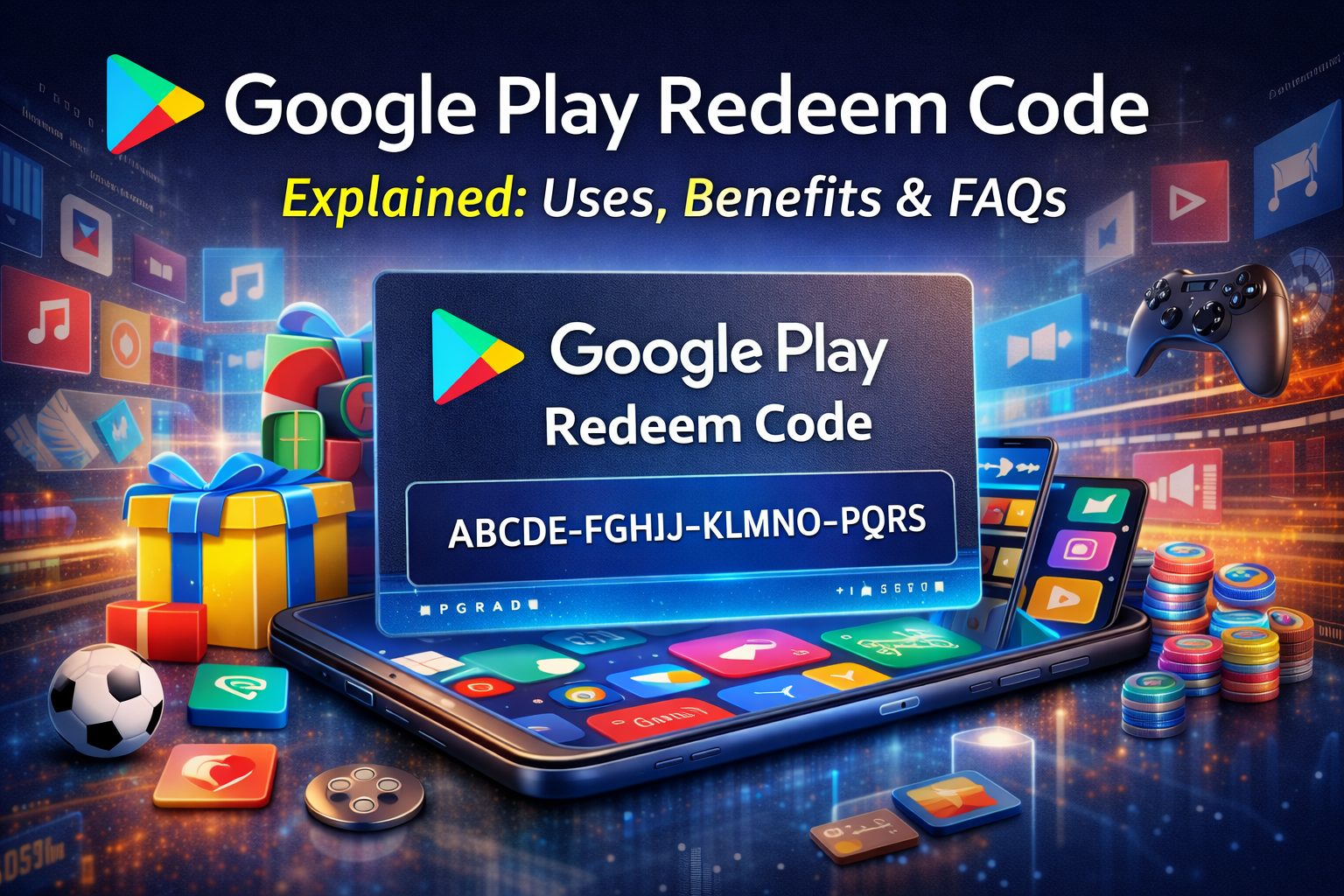
A google play redeem code is a prepaid digital or physical code that adds credit to your Google Play account. The code usually comes in a 16-digit alphanumeric format and can be redeemed directly through the Google Play Store.
These codes are commonly available as gift cards or digital vouchers and are widely used across many countries.
Uses of Google Play Redeem Code
A google play redeem code can be used for multiple purposes, making it a flexible payment option for Android users.
1. Buy Paid Apps & Games
You can purchase premium apps and unlock paid games without linking a bank card.
2. In-App Purchases
Use your balance to buy coins, skins, upgrades, and subscriptions inside games and apps.
3. Movies, TV Shows & Books
Rent or buy movies, TV shows, eBooks, and audiobooks available on Google Play.
4. App Subscriptions
Pay for monthly or yearly subscriptions such as music, streaming, or productivity apps using your Google Play balance.
Benefits of Using Google Play Redeem Code
Using a google play redeem code comes with several practical advantages:
-
No Card Required – Ideal for users without credit or debit cards
-
Secure Payments – No need to share banking details
-
Budget Control – Spend only the amount you redeem
-
Easy Gifting – Perfect as a gift for friends and family
-
Instant Balance – Redeem and use the credit immediately
These benefits make the google play redeem code a preferred option for many users worldwide.
How to Redeem Google Play Redeem Code
Redeeming a google play redeem code is simple:
-
Open the Google Play Store
-
Tap on your profile icon
-
Select Payments & subscriptions
-
Click Redeem code
-
Enter the code and confirm
Once redeemed, the balance is added instantly to your account.
FAQs About Google Play Redeem Code
Is a google play redeem code free?
Not officially. Legitimate codes are purchased or gifted. Be cautious of websites claiming to offer free working codes.
Does a google play redeem code expire?
Some promotional codes may expire, but most gift card balances do not once redeemed.
Can I use a google play redeem code in any country?
Codes are often region-specific. A code bought in one country may not work in another.
Can redeemed balance be withdrawn as cash?
No. Google Play balance can only be used for digital purchases within Google Play services.